How do you assign inquiries? How do you send offers to thousands of customers? What happens to conversations if an employee leaves or loses their phone?
When a business is small, these questions rarely come up. But over time, regular WhatsApp can become a serious limitation.
Meta offers two different solutions for working with customers: the WhatsApp Business app and a WABA account in Meta.
They serve different purposes. Let’s look at how they differ and which one suits your business.
What is the WhatsApp Business app?
It’s the WhatsApp many people already know, with extra features for businesses.
You install the WhatsApp Business app on a smartphone, register a number, and start talking to customers.
The app includes a business profile, a product catalog, greeting messages, quick replies, chat labels, and some other useful tools.
For a sole trader, it’s a convenient option.
For example, if you repair cars, work as a beautician, or sell products on your own, the WhatsApp Business app may cover everything you need.
Customers message you. You reply, agree on the details, and take orders.
Problems start when WhatsApp stops being a personal tool and becomes the main sales channel for an entire company.
What is a WABA account in Meta, and how does it relate to WhatsApp Business API?
WABA stands for WhatsApp Business Account. It’s a company’s business account in Meta, used to work through the official WhatsApp Business API platform.
The difference is that the WhatsApp Business app provides a ready-made messaging interface, while a WABA account in Meta lets you connect business systems through an API.
The API itself is the technology that lets software exchange messages with WhatsApp.
For example, you can connect a WABA account in Meta to AnyLinga and get:
A shared messaging workspace for employees or integration with a CRM.
Bulk and automated broadcasts.
Automatic assignment of inquiries.
Message and broadcast statistics.
The ability to use chatbots and AI assistants.
The WhatsApp number remains a company number. Employees use it through AnyLinga or a CRM, rather than necessarily through a smartphone.
Put simply: the WhatsApp Business app is a communication tool. A WABA account in Meta is the foundation for building a company-wide communication system through the WhatsApp API.
One more important point: a WABA account in Meta should not be confused with the WhatsApp Business app. Although they are different solutions, Meta allows a single number to work in both the app and the API in certain scenarios.
Problem No. 1. One number, but already ten employees
Suppose a company has a sales team of ten.
All of them need to talk to customers through WhatsApp.
How do you organize that?
The WhatsApp Business app lets you link additional devices. The standard option supports up to four, while some paid configurations offer more devices and chat assignment features.
But the app is not a substitute for a full system for managing a large sales team.
The manager starts asking questions:
Who is responsible for each customer?
How long does a customer wait for a reply?
Which inquiries have been left unanswered?
How many customers has each sales rep handled?
How do you hand a customer over to another employee along with their conversation history?
These tasks call for a company-wide system.
How a WABA account in Meta works
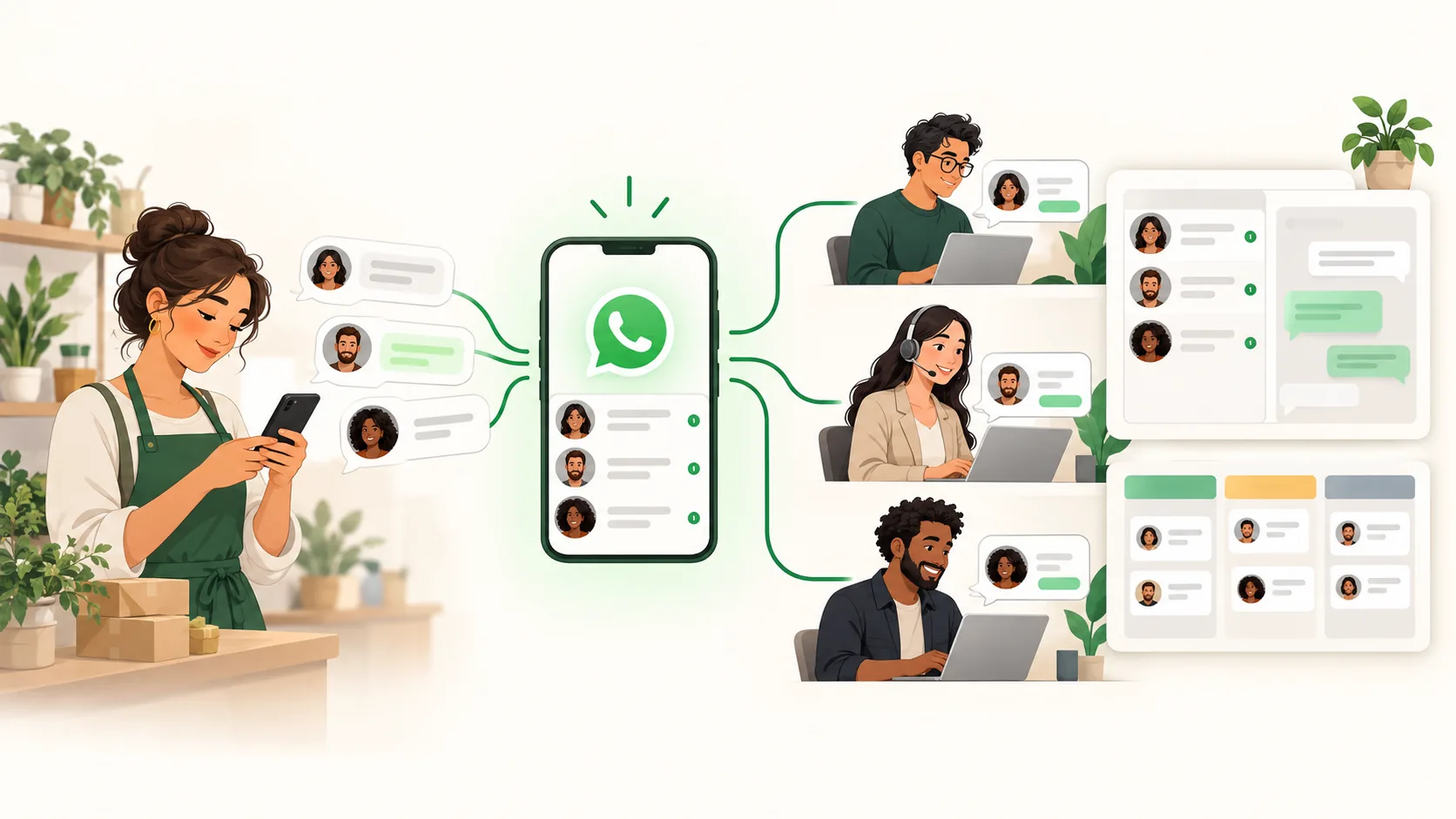
You connect one company number to AnyLinga or a CRM through a WABA account in Meta.
All messages arrive in a shared system.
Sales reps get access to their assigned inquiries and can work with customers at the same time.
When needed, a conversation can be handed over to another employee along with its history.
10, 50, or even 100 employees can work with one number, provided the system supports that many users.
You don’t need to buy a separate WhatsApp number for every sales rep.
And customers don’t have to remember dozens of phone numbers for your company.
You have one company number, backed by a full team.
Problem No. 2. You need to send an offer to 5,000 customers
Imagine you run an online store with a database of 5,000 customers.
You’re launching a promotion and want to tell all your customers about it through WhatsApp.
What can you do in the WhatsApp Business app?
The WhatsApp Business app has broadcast lists.
But traditional lists have a significant limitation: only people who have saved your number in their contacts receive the message.
Meta is also developing paid business broadcasts in the app, but availability and features vary by market.
If you need regular campaigns for your customer database, segmentation, automation, and detailed analytics, the app may not be enough.
Some companies try to get around these limitations by manually sending hundreds of identical messages or installing unofficial bulk messaging software.
This creates another risk.
WhatsApp may restrict messaging or block an account for suspicious activity and rule violations.
Imagine the consequences if that number appears on your website, in your advertising, and on your business cards, and regular customers have been using it to contact you for years.
How do broadcasts work through a WABA account in Meta?
The official WhatsApp Business API supports sending messages using templates approved by Meta.
For example, with AnyLinga, you can:
Upload your customer database.
Select the customers you want to message.
Create a broadcast using an approved template.
Schedule the date and time.
View campaign results and customer replies.
You can run broadcasts every day and reach thousands of customers.
But there are conditions: you need recipients’ consent, must follow Meta’s rules, and must stay within the current messaging limits.
New WABA accounts in Meta usually start with low limits, such as 250 unique recipients per 24 hours for outbound messages outside an open customer service window. These limits can then increase to thousands and tens of thousands.
The official API does not guarantee protection from blocking. But it provides Meta’s intended mechanism for bulk communication, unlike risky attempts to simulate automation through a smartphone.
Problem No. 3. An employee loses their smartphone—and their customers with it
This is one of the most serious risks businesses often underestimate.
Imagine a sales rep has spent two years talking to customers through the WhatsApp Business app.
It contains contacts, orders, photos, documents, business proposals, agreements, and important conversation history.
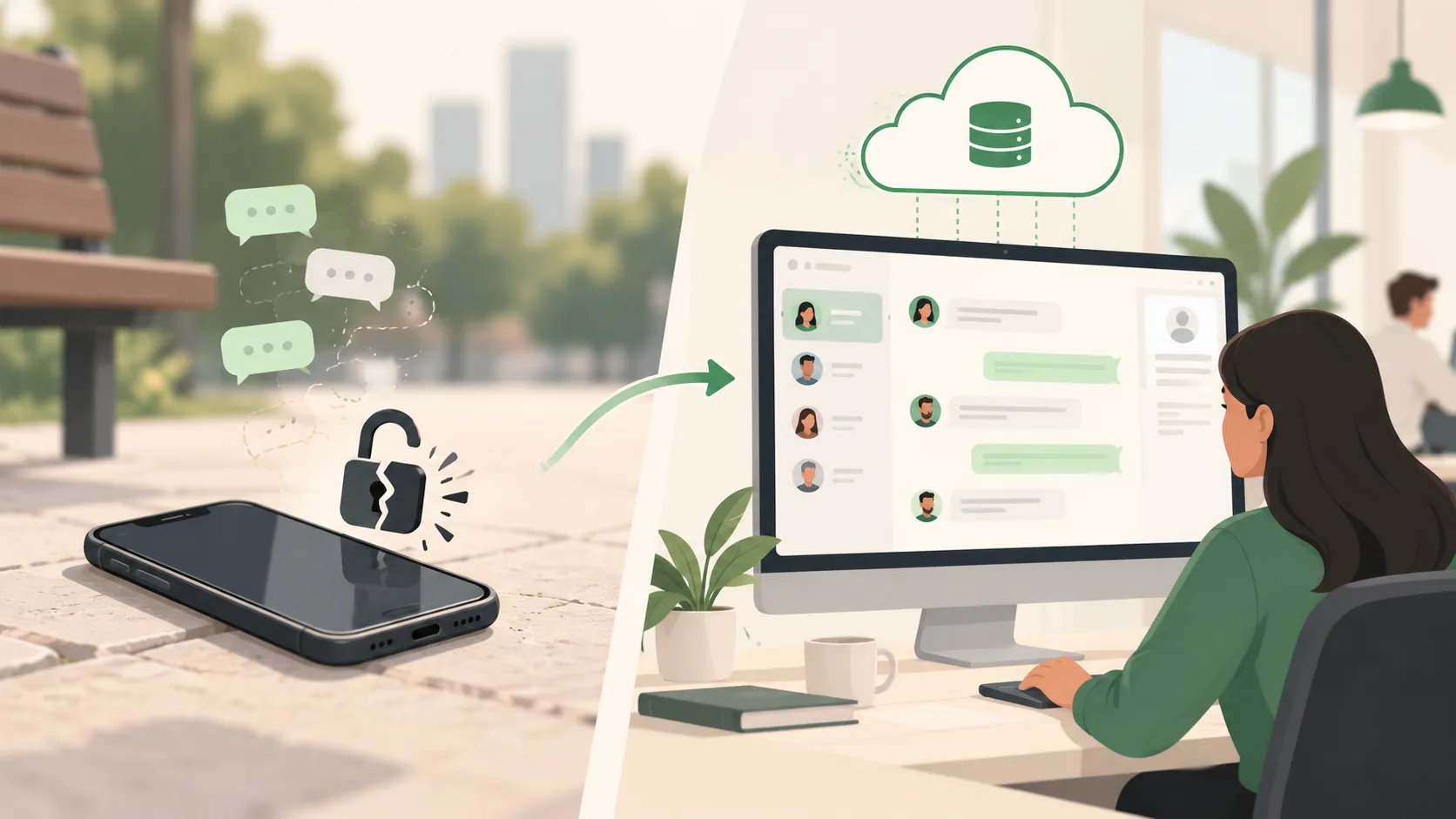
One day, their phone is stolen.
If backups were not set up or are unavailable, recovering that information may be impossible.
We have encountered situations like this in our work.
But losing a phone is not the only scenario.
An employee may leave. They may still have customer contacts, documents, or conversations that aren’t in the company’s system.
The problem is not WhatsApp itself. It’s that the company has entrusted important business information to one person and their device.
What changes with a WABA account in Meta?
When you connect a WABA account in Meta to a CRM or a company Inbox, conversations can be saved automatically in the company’s system.
A sales rep replies to a customer, sends documents, and discusses an order—and the information is recorded in the company’s database.
If the sales rep leaves, you disable their access.
A new employee continues working with the same customers, with the context they need.
If a smartphone is lost or stolen, the history doesn’t disappear with the device.
Of course, you need to configure message storage, access permissions, and backups. A WABA account in Meta is not, by itself, a conversation archive.
The fundamental difference: the history of the customer relationship belongs to the company and stays under its control.
Problem No. 4. Sales reps manually do what software should do
Suppose a customer books a consultation.
An employee needs to remember to send a reminder the day before the appointment.
After a purchase, they need to let the customer know when the order is ready.
A week later, they need to ask whether everything was satisfactory.
Three months later, they need to suggest another purchase.
They also need to send birthday greetings to regular customers and bring back those who haven’t bought anything for a while.
You can assign all this to your sales reps.
But the more customers you have, the more likely someone is to forget, send a message late, or simply run out of time.
What can you automate with a WABA account in Meta?
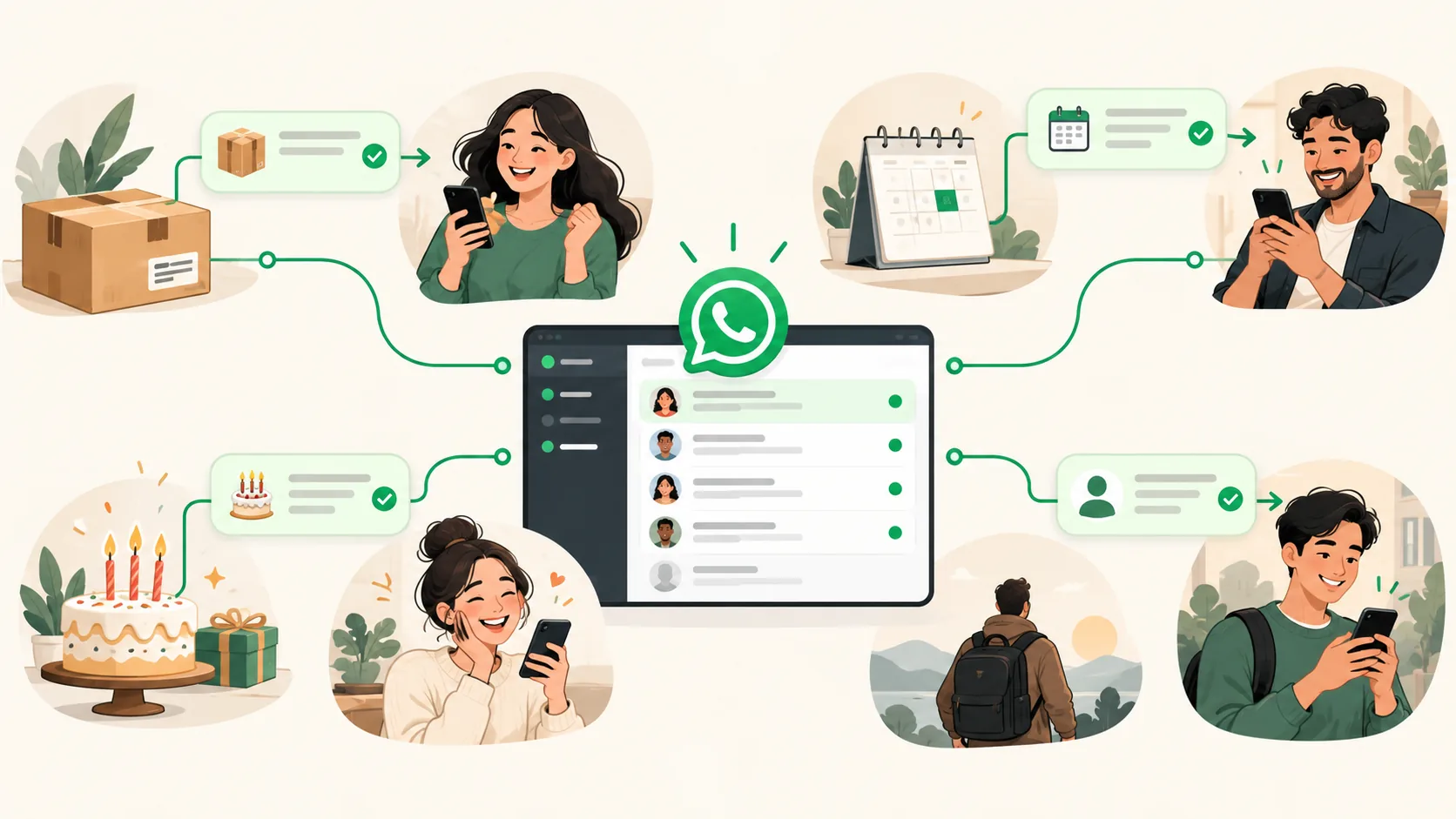
By integrating with a CRM, website, or automation system, you can set up messages triggered by specific events.
Order confirmation
A customer places an order on the website and automatically receives:
“Thank you. Your order No. 1258 has been received. We’ll let you know when it’s ready.”
Appointment reminder
24 hours before the appointment:
“A reminder: your consultation is tomorrow at 3:00 PM. Please confirm that you’ll be attending.”
Birthday greeting
On the customer’s birthday:
“Happy birthday. We’ve prepared a personal offer for you.”
Customer reactivation
If a customer hasn’t made a purchase in the last 90 days, the system can add them to the relevant segment and send a marketing message:
“We haven’t seen you in a while. We have a special offer for returning customers.”
Repeat purchase
A month after an order, the system suggests consumables or related products.
All these scenarios work without employees sending messages manually.
Outbound templates must still comply with Meta’s rules. Marketing messages require customer consent.
As a result, sales reps focus on conversations and sales rather than repeatedly sending the same kinds of messages.
Problem No. 5. Customer conversations are separate from the CRM
A customer contacts you through WhatsApp. A sales rep clarifies the details, agrees on terms, and promises to send a proposal.
But they don’t record anything in the CRM.
A week later, the manager sees a deal that hasn’t moved forward. It’s unclear what was discussed, why the customer hasn’t bought anything, and who should take the next step.
When WhatsApp isn’t connected to a CRM, information has to be transferred manually.
And manual entry means omissions, errors, and lost agreements.
How does a WABA account in Meta help?
When connected to a CRM, messages can automatically appear in the customer or deal record.
The sales rep sees the conversation history right where they manage the sale.
The manager can oversee customer interactions and review disputed situations.
You can also use additional integration features: task automation, inquiry assignment, AI assistants, and WhatsApp calls directly from the CRM, if the service supports them and they are available for the specific number.
As a result, WhatsApp stops being an isolated messenger and becomes part of the sales process.
Comparison: the WhatsApp Business app and a WABA account in Meta
Feature
WhatsApp Business app
WABA in Meta + business platform
Customer communication
Yes
Yes
Working from one smartphone
Yes
A smartphone is not required
Multiple employees
Limited capabilities
Large teams
One number for 100 sales reps
Not designed as a full system for this
Possible
Bulk broadcasts
Limited tools
Official campaigns within Meta’s limits
Event-triggered automated broadcasts
Limited
Yes
CRM integration
Through additional solutions
Through API
Company-controlled history storage
Must be arranged separately
Through Inbox or CRM
Inquiry assignment
Limited
Yes
Sales rep oversight
Limited
Through the company’s system
WhatsApp calls from CRM
Not a standard app feature
With Calling API support
Cost
Core features are free
API messages and the service may carry charges
Does this mean the WhatsApp Business app is bad?
No. It’s simply designed for different tasks.
If you work alone, have a small customer base, rarely send broadcasts, and don’t need a CRM, the WhatsApp Business app is a sensible choice.
The basic version is free, convenient, and doesn’t require complicated setup.
But if you have a sales team, thousands of customers, regular broadcasts, and automated processes, the app gradually becomes a limitation.
For these tasks, it makes more sense to use the official WhatsApp Business API through a WABA account in Meta.
How much does switching to WABA cost?
Registering a WABA account in Meta is free.
However, sending certain categories of messages through the official WhatsApp Business API is charged at Meta’s rates.
The cost depends on the message type and the recipient’s country.
There may also be a charge for the platform employees use to manage conversations, run broadcasts, and work with a CRM.
For example, AnyLinga lets you connect the official API, use a company Inbox, and send broadcasts. You can connect a CRM instead of Inbox.
Most importantly, you don’t need to buy a separate phone and SIM card for every sales rep to let the team work with one number.
Can you keep your existing WhatsApp number?
Yes, but the migration method depends on how the number is currently used.
Some accounts support a mode called Coexistence. It lets you use the WhatsApp Business app and the official API with the same number.
In other cases, you’ll need to migrate the number from the WhatsApp Business app to the API platform.
If you already have an active number with years of history, don’t delete the account or migrate it without checking first.
First, make sure your chosen connection method supports your number and that you understand how the conversation history you need will be preserved.
What should you choose for your company?
Ask yourself a few questions:
Do more than one or two employees talk to customers through WhatsApp?
Do you need to assign inquiries to sales reps?
Do you want to send regular broadcasts to hundreds or thousands of customers?
Do you need automated notifications about orders, appointments, or payments?
Is it important to retain conversations when employees leave?
Do you want to see WhatsApp history directly in your CRM?
If you answered “yes” to most of these questions, it makes sense to consider switching to a WABA account in Meta.
This isn’t just about adding features to a messenger.
It’s a different way of organizing work: instead of employees’ individual conversations, the company gets a customer communication channel it can manage.
How do you connect a WABA account in Meta?
You don’t necessarily need to hire a developer.
With AnyLinga, you can complete Meta’s official registration, connect a number, and start using WhatsApp Business API.
Once connected, you can manage conversations through AnyLinga Inbox or in your CRM and run broadcasts.
We’ve prepared a separate step-by-step guide explaining what information you’ll need, how to register a WABA account in Meta, verify your number, and check the connection.